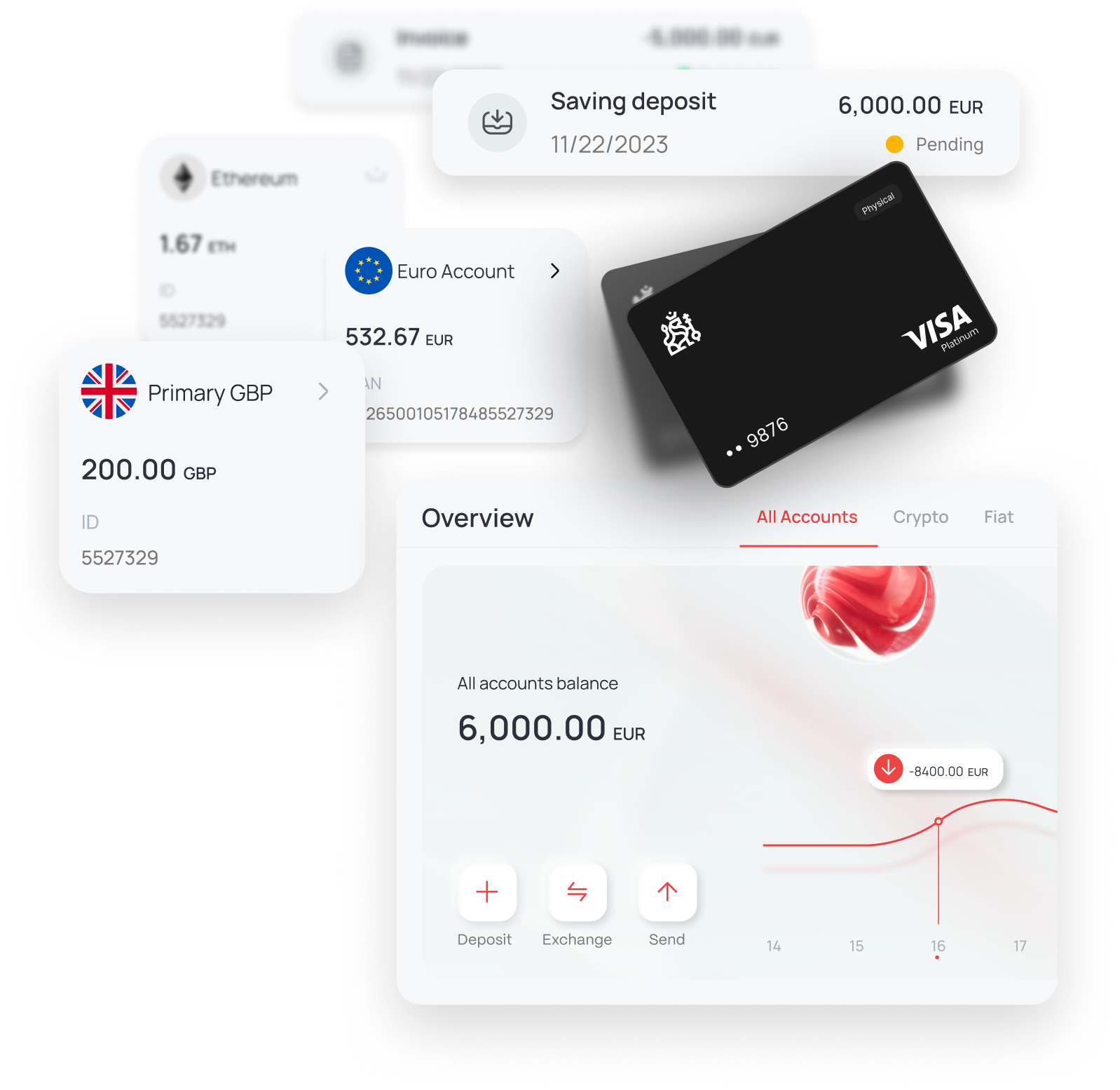

Managing your payments more flexibly is now easier than ever. By linking your KingdomCard to Curve, you can streamline spending, consolidate cards, and unlock a smarter payment experience—all from a single app.
Below is a simple, step-by-step guide to help you securely connect your KingdomCard to Curve and start spending right away.
Why link your KingdomCard to Curve?
With Curve, you can combine multiple cards into one, spend seamlessly with Apple Pay or Google Pay, enhance control and security, and simplify both international and everyday payments.
Before you start, make sure you have your cardholder name, billing address, and access to your The Kingdom Bank account ready.
Phase A — Set up your new card at The Kingdom Bank
Follow these steps carefully to prepare your card for Curve integration.
1. Freeze your old cards
- Freeze all your existing plastic and virtual cards
- Keep them frozen during the process
2. Issue a new virtual Visa (EUR)
- Go to: Cards → Issue New Card
- Select: Virtual - Visa (EUR)
3. Reveal your card details
- Access your newly issued virtual card
Note the following:
- PAN (card number)
- Expiry date
- CVV
Keep your old cards frozen. Do not unfreeze or deactivate them until confirmation is provided by our team.
Phase B — Add your KingdomCard to Curve
Now you’re ready to connect your card to Curve and activate spending.
4. Install the Curve app
- Download the Curve app
- Create your account
- Complete identity verification (KYC)
5. Add your card
- Open the Wallet section
- Tap the “+” icon
- Select “Add a card”
6. Enter your card details
Manually input:
- Card number (PAN)
- Expiry date
- CVV
- Cardholder name
- Billing address
7. Complete verification (3DS / SCA)
- Confirm the transaction using the OTP sent by The Kingdom Bank
- Complete the authentication step
8. Add to your mobile wallet
Tap: “Add to Apple Wallet” (iOS) or “Add to Google Wallet” (Android)
You’re now ready to spend using Curve.
Important eligibility note
Curve services are available to:
Residents of the UK and residents of 30 EEA countries
Start spending smarter today
Once your KingdomCard is linked, you can pay in-store or online while tracking all your transactions in one place and enjoying a more flexible and secure payment experience.
Set up your KingdomCard now and unlock smarter spending with Curve. Visit our website The Kingdom Bank now.