
With The Kingdom Bank
Swift and Easy Transactions
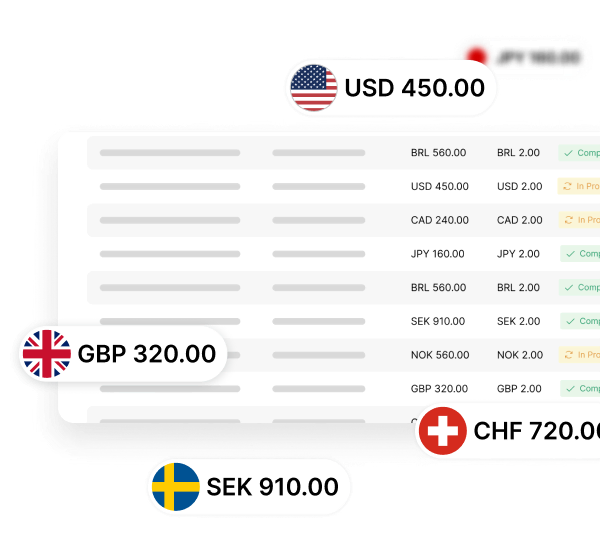
Batch payments provide a convenient and efficient way to process multiple transactions simultaneously. They combine several payment instructions in one file, helping businesses make regular payments to multiple recipients.

Efficiency
Handle hundreds or even thousands of payments simultaneously in more than 30 currencies.

Time-saving
Combine multiple transactions into one batch to save time and reduce the work required to manage individual payments.

Improved Accuracy
Reduce manual-entry errors by processing payment details automatically for greater accuracy and consistency.
In 4 Easy StepsHow to Send Batch Payments?
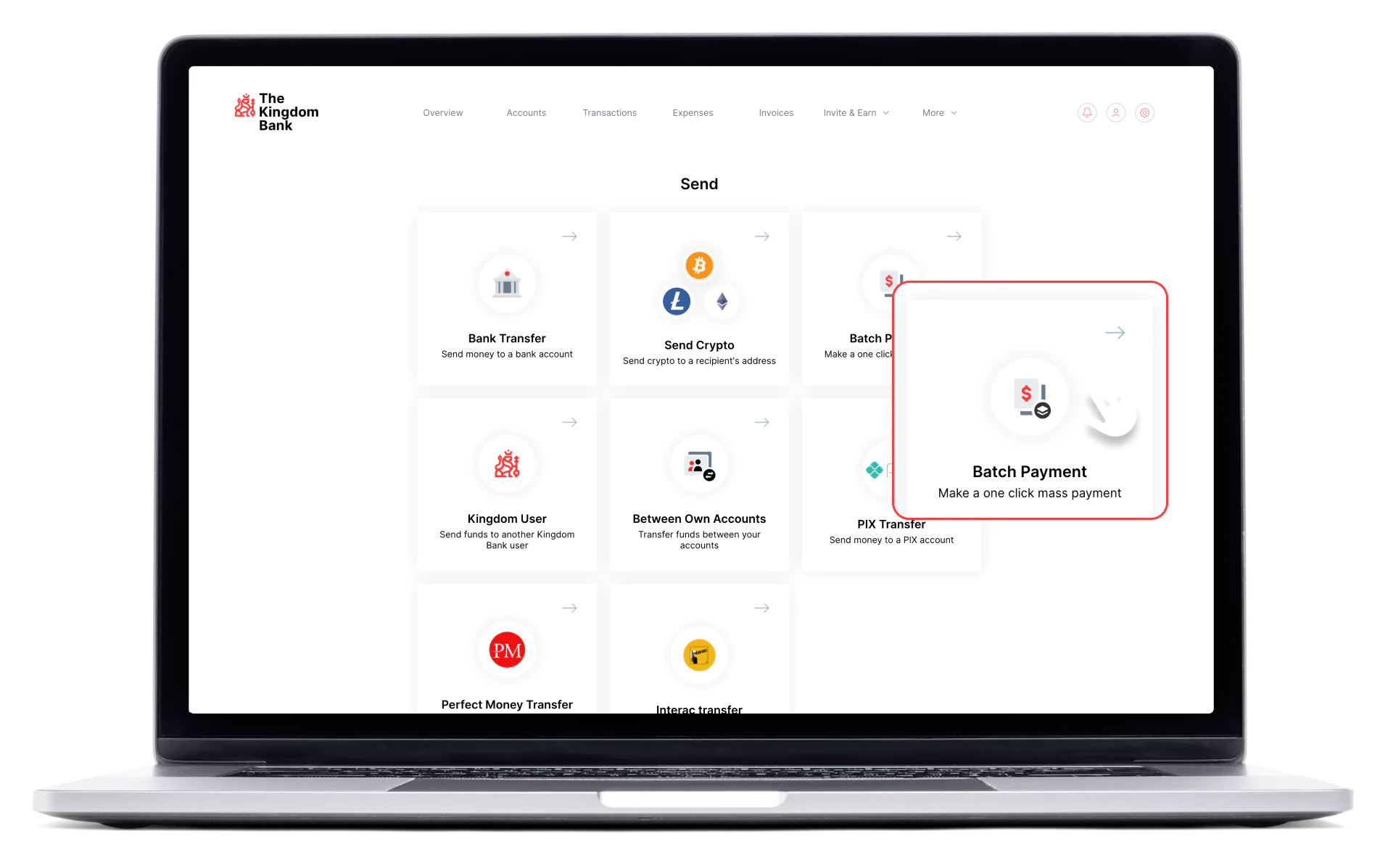
1. Click “Send”, then go to “Batch Payments”.
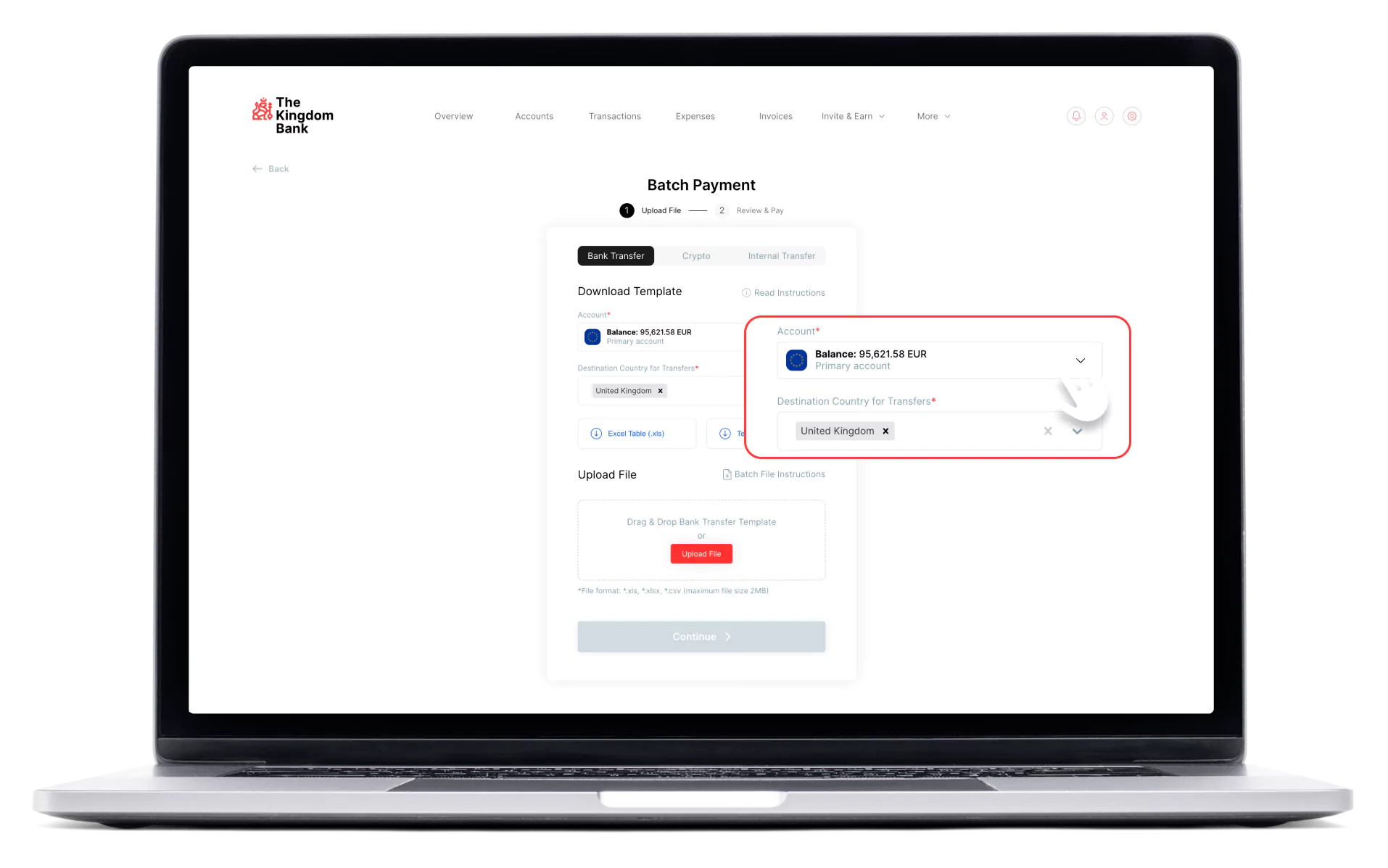
2. Select the payment account and destination country or territory for the transfers.
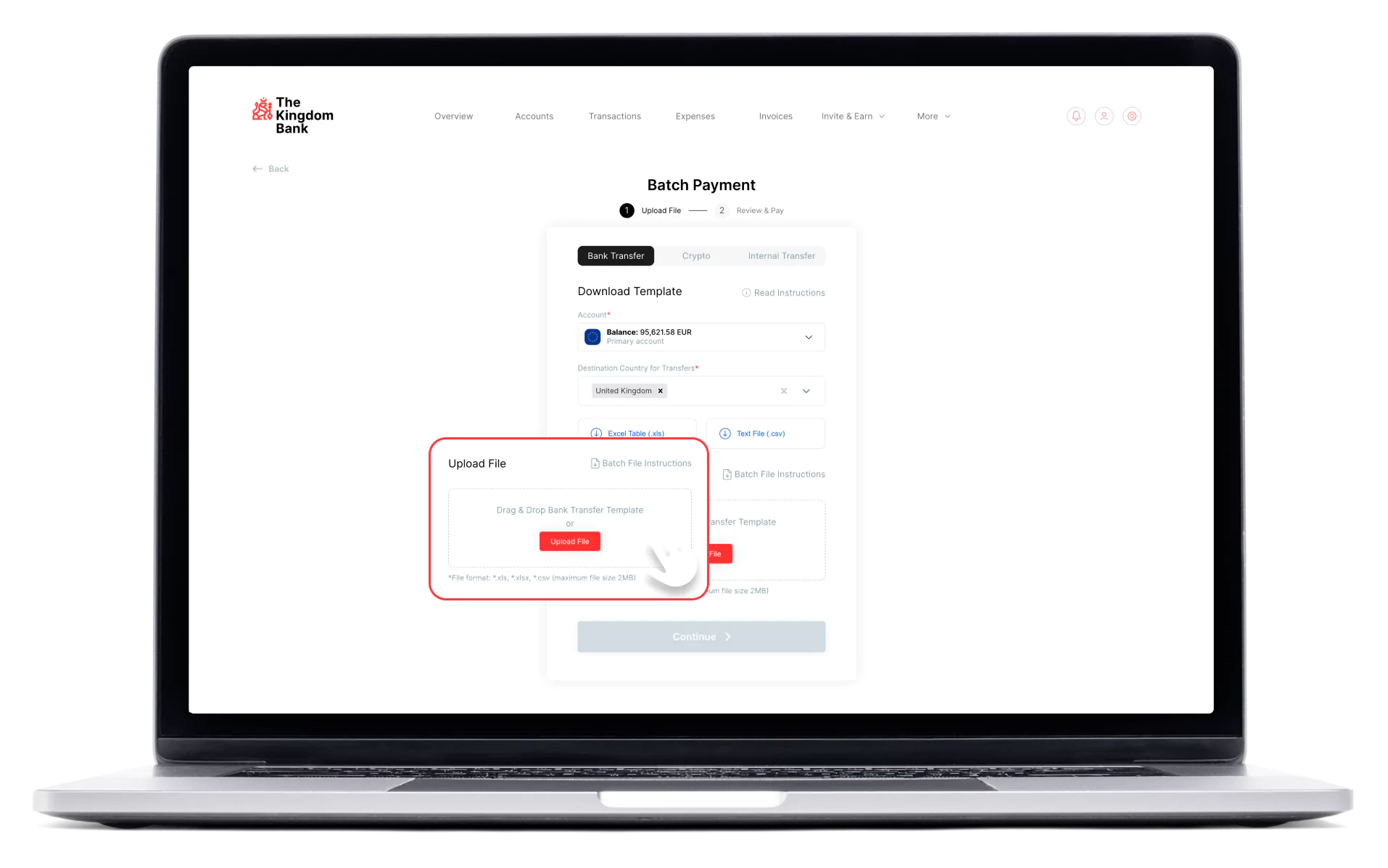
3. Upload a file containing the details of all payments you want to process.
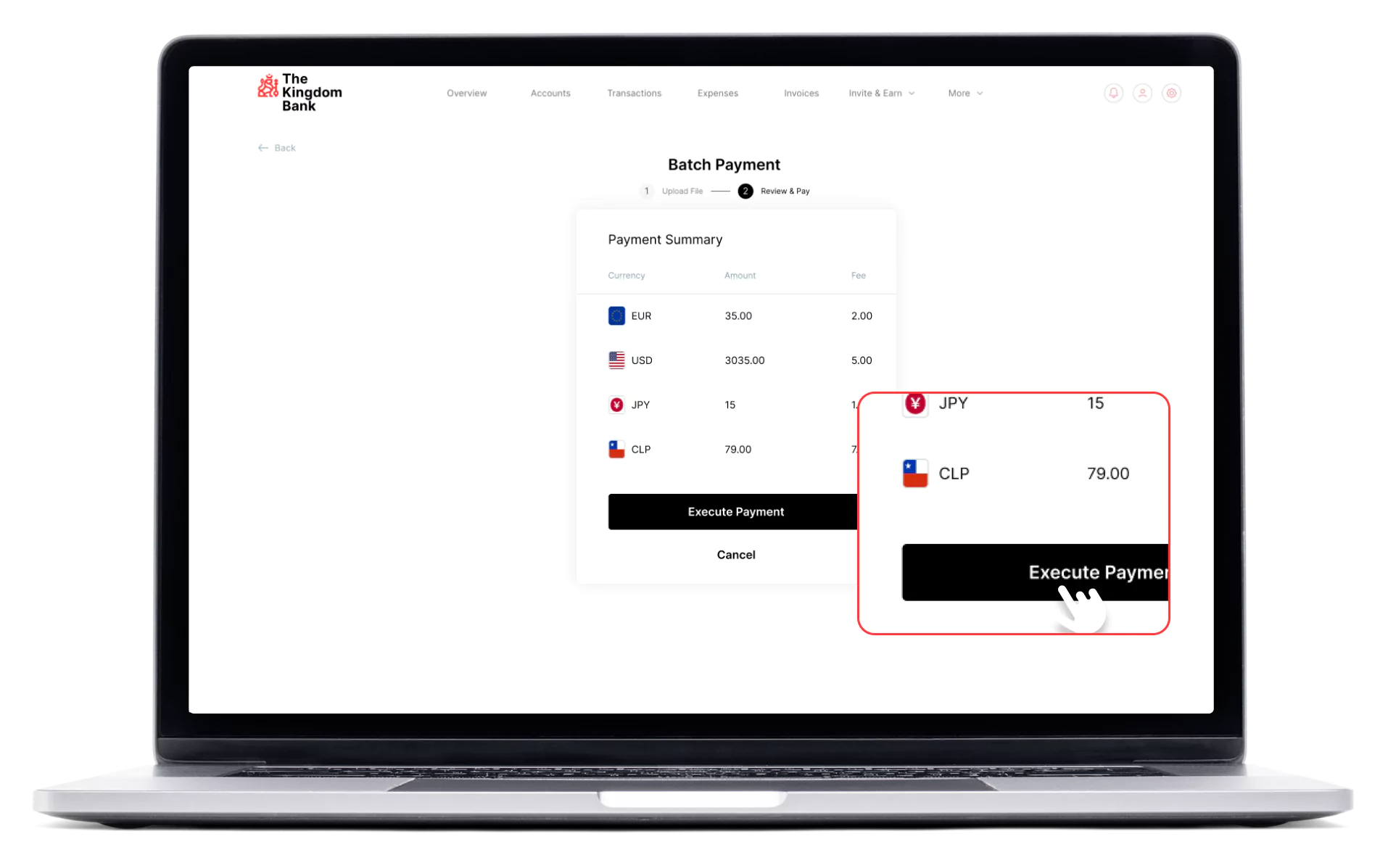
4. Review the payment details and submit the batch after confirming they are correct.
Batch Payments
Frequently Asked Questions (FAQs)
What are batch payments?
What are the key benefits of batch payments?
How do I use The Kingdom Bank's Batch Payments feature?
How does The Kingdom Bank check batch payment data?
Can I track the status of batch payments?
How long does batch payment processing take?
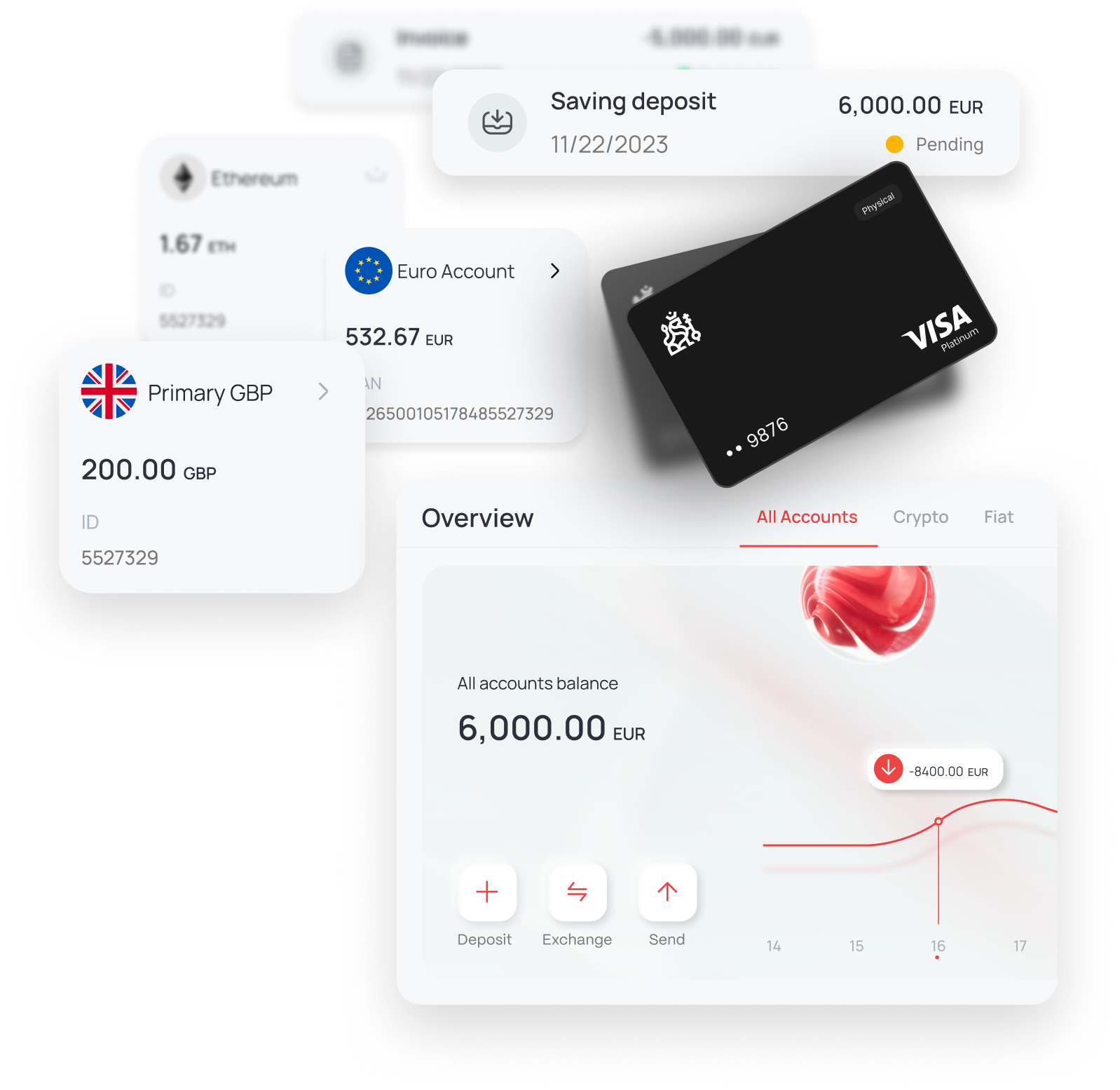
Discover The Kingdom Bank Online Portal
Take a guided tour and explore how to manage accounts, payments, cards, and more.
Start Tour →Anytime, Anywhere on Any Device
Join The Kingdom Bank’s community to stay connected and manage your finances easily from any device, anytime, anywhere.




Official Banking Partner of
West Ham United

Experience our award-winning bank!

Crypto Expo Dubai
BEST INTERNATIONAL FINTECH
BANKING AWARD 2021

forexdailyinfo.com
BEST CUSTOMER SUPPORT
BANK AWARD 2022
forexdailyinfo.com
CRYPTO FRIENDLY
BANK AWARD 2022
International Business Magazine
BEST DIGITAL BANKING
AWARD 2022
International Business Magazine
FASTEST GROWING DIGITAL
BANK AWARD 2023
Global Forex Awards
BEST B2B BANKING
SOLUTION AWARD 2023

Official Banking Partner of
West Ham United

HEAD OFFICE
First Floor, 43 Great George Street, Roseau, Commonwealth of Dominica
Post Code: 00109-8000
support@thekingdombank.com
Post Code: 00109-8000
support@thekingdombank.com
© 2026 The Kingdom Bank. All rights reserved.
The Kingdom Bank Corporation is licensed and authorised by the Financial Services Unit, Ministry of Finance of the Commonwealth of Dominica, licensed as a banking institution under the International Banking Act, fully authorised to provide services to clients worldwide, under the prudential supervision of the Financial Services Unit. The Kingdom Bank Corporation is registered in the Commonwealth of Dominica, Company Number 3159, with its registered address on 1st Floor 43 Great George Street, Roseau, Commonwealth of Dominica, Post Code: 00109-8000. The Kingdom Bank Corporation is a member of Swift™, Swift Code: KICPDMD2 and LEI Code: 894500N4DISL2NEIR756. FATCA GIIN: UM162U.99999.SL.212. The Kingdom Bank is ISO 27001 certified. The Kingdom Bank Corporation is PCI DSS compliant.
The Kingdom operates through licensed entities in multiple jurisdictions to serve a global client base. Dubai World Trade Centre Authority (DWTCA) under License L-4806, Dubai World Trade Centre.